

On this page
Overlay
Scam watch: Bank impersonation scams are on the rise
- Be aware of fake messages or calls supposedly from NatWest claiming a payment is on hold or asking you to verify a transaction. Learn more about how to avoid this scam.
- Scammers are impersonating banks, the police and retailers. Never share your card or PIN with anyone. Your bank, retailers, the police and fraud investigation teams will never ask you to hand over your card, PIN or buy items for collection. If someone does, it's a scam.

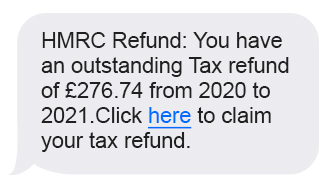
Scammers may pose as HMRC to persuade you to send them money or steal your details.
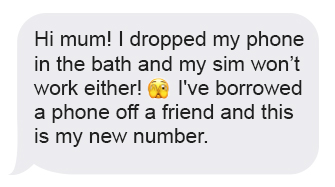
Fraudsters send you a message pretending to be your friend or family member.
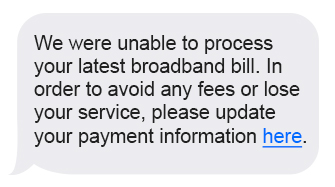
Scammers are skilled in posing as trusted organisations like your phone or internet provider.
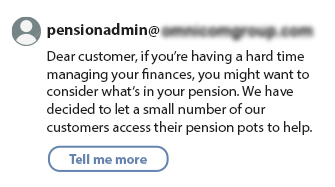
Criminals trying to convince you to move money from a pension for better returns, allowing them to steal funds.
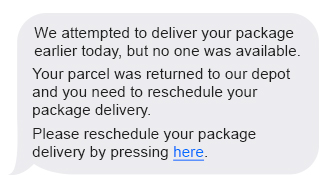
Text messages are often used by scammers pretending to be a trusted organisation, such as a bank or delivery company.
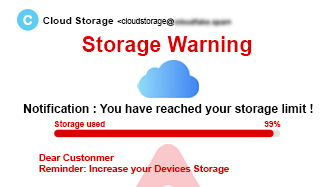
Phishing is one of the most common forms of scams, with fraudsters circulating malicious links or files under the guise of a legitimate email.
Did you find this article helpful?
Other guides to keep your money secure
Related articles
My Security Profile
Enhance your security levels.
My Security Profile is a handy tool in your mobile app. It has personalised actions for you, that are quick and simple to take.