You must be 18+ and a UK resident to apply for our Select account. Offer T&Cs and restrictions apply.
Overlay
The switch worth making
Switch to NatWest and you could get £150 and access to a 12 month fixed bonus rate if you open a Digital Regular Saver account.
Offer available to new and existing customers who haven't previously received a switch offer and did not hold a NatWest current account or savings account as of 17 February 2026.

How to get £150
1. Open a current account and switch to us
- Apply for a Select or Reward account and request to switch an account with another bank to us using the Current Account Switch Service by 28 May 2026.
- Your switch must be completed by 16 June 2026.
2. Within 60 days of switching
- Pay in £1,250 - This can be made of multiple payments and must remain in the account for 24 hours.
- Log in to our mobile app - This can be done on any device that supports the NatWest mobile banking app.
3. You're all set
When you've met these conditions, we'll pay £150 into your eligible account within 30 days.
How to unlock our bonus rate
Once you've opened your current account, you must open a Digital Regular Saver by 16 June 2026. To be eligible for the bonus rate, you need to complete your switch to us.
- 7% AER
This includes 5.25% / 5.13% AER/Gross p.a. (variable) on balances up to £5k plus a conditional bonus of 1.75% AER (fixed) for 12 months. Interest paid monthly. - 1.00% AER/Gross p.a. (variable) on balances over £5,000.
There’s no need to wait for your £150 incentive to be paid.
Why choose a Digital Regular Saver?
- Save between £1 and £150 each month - you're in control.
- Instant access to your savings whenever you need them.
- Perfect for building regular savings habits, whether you're starting small or levelling up your savings goals.

Why choose our everyday current account?
- Fee-free current account. There's no monthly account fee for this standard bank account.
- Fraud refund promise. We refund any money paid out of your Select account by a fraudster if you bank online or via the app (if you've kept your security information safe).
- Get a short-term overdraft if you meet the eligibility criteria. You can explore this option when you apply for a current account.
Simple everyday banking with NatWest






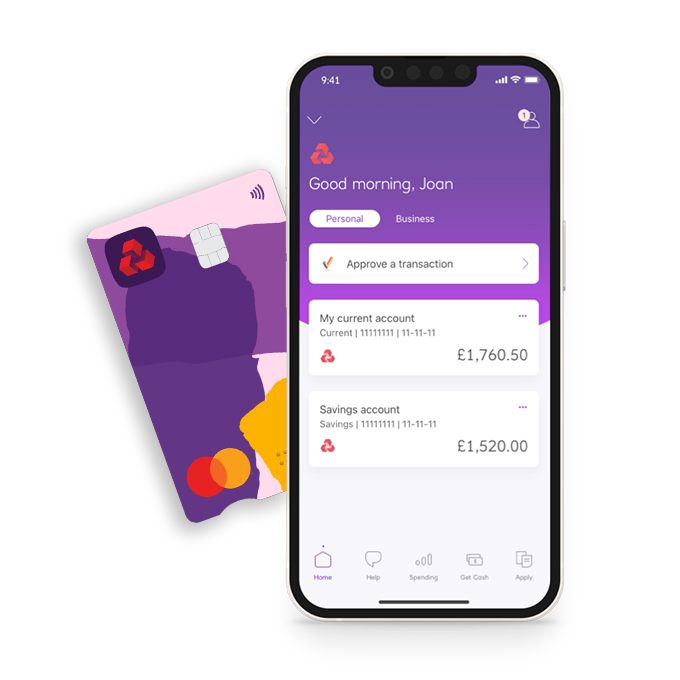
Join 11 million customers on our mobile app
Information Message
Eligibility criteria and conditions apply. Volume of app customers correct as of May 2025.

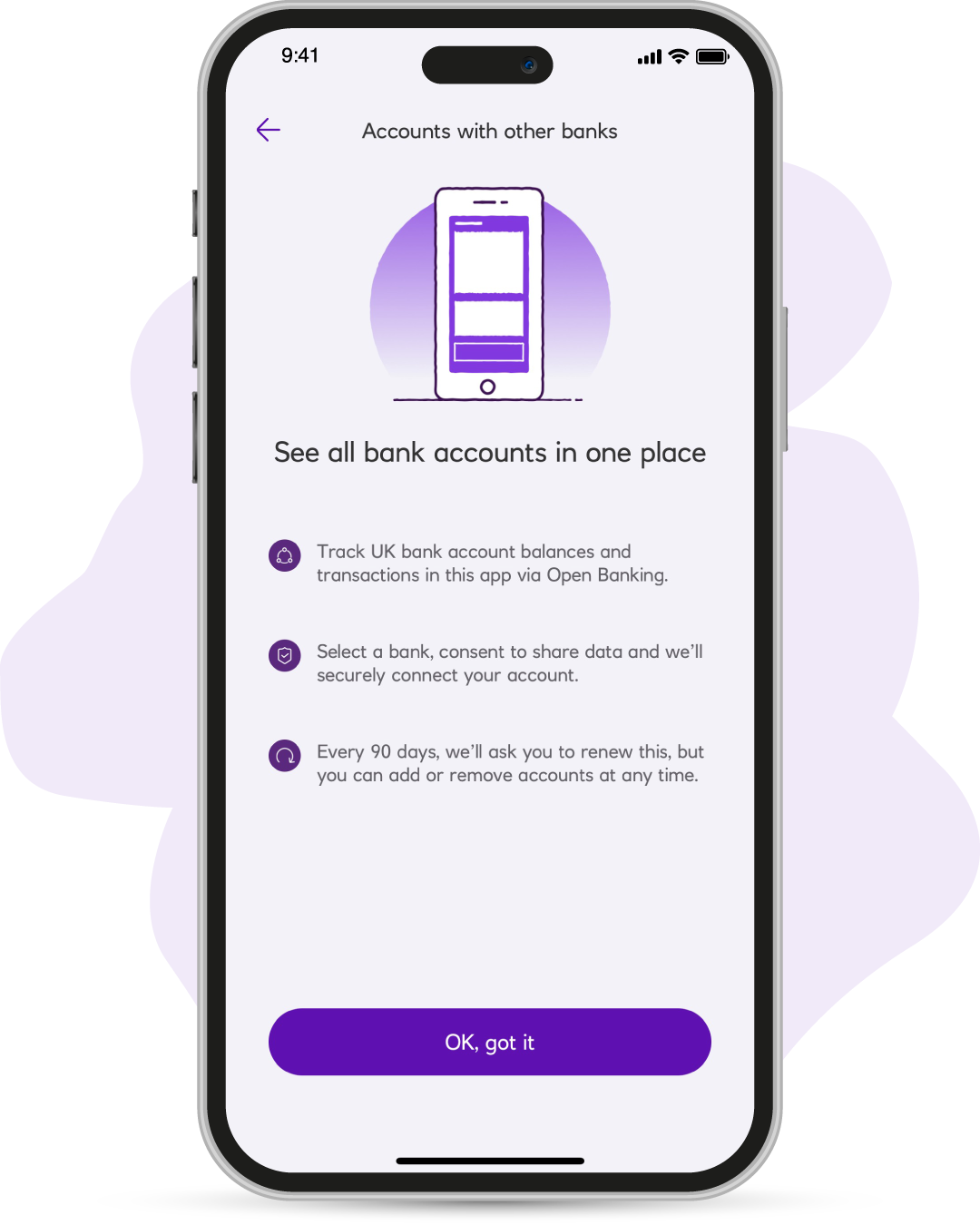
Add other accounts
Add your accounts from other banks, so that you can see all of your money together in one place.

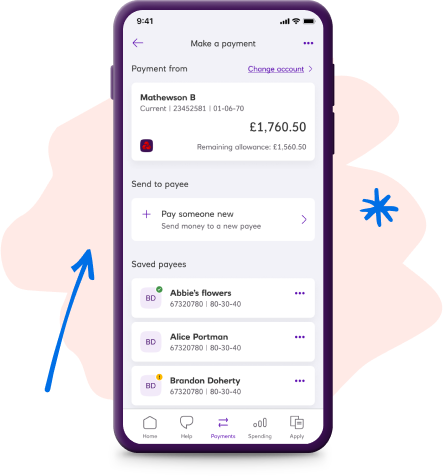
Favourite payees
Are there people you pay again and again? Put them in your favourite payees so you can send money faster.

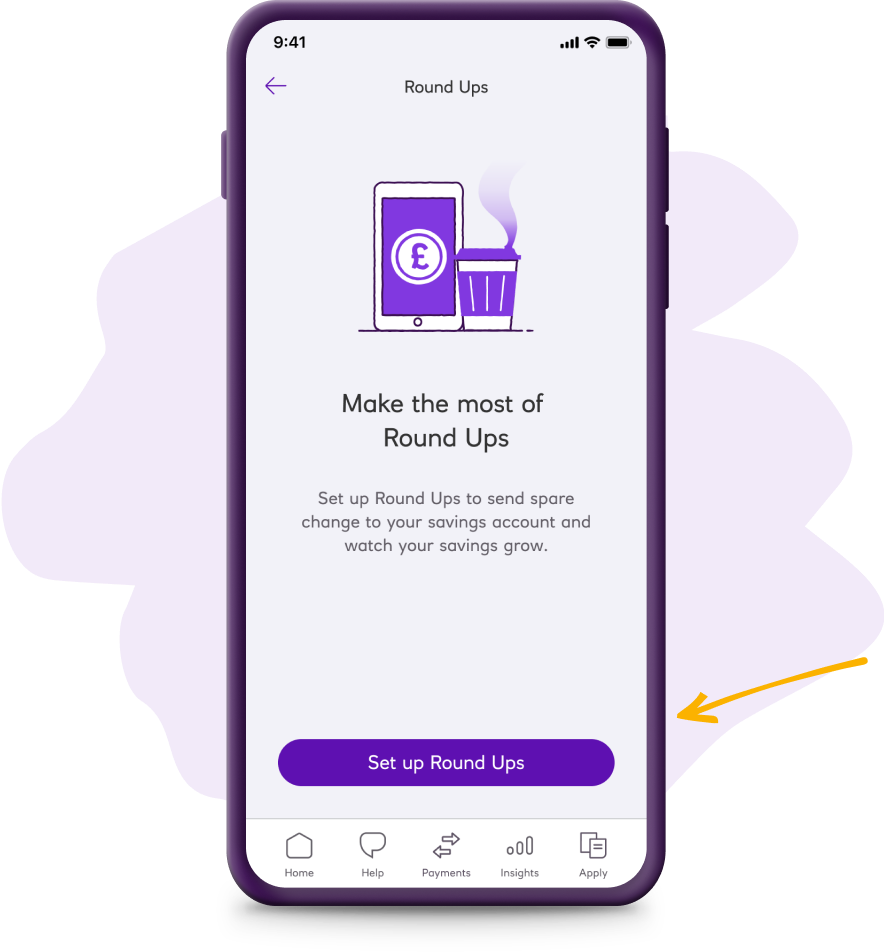
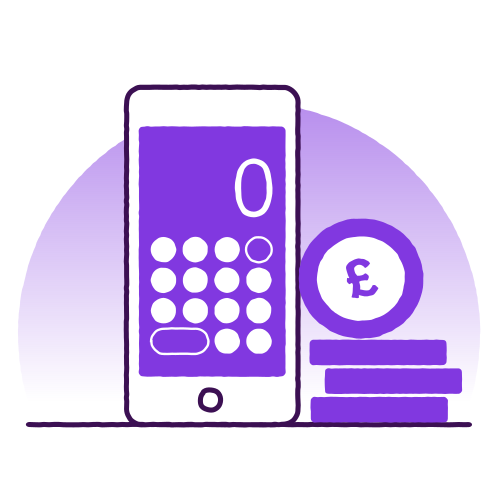
Round Ups
Round up your spending to the nearest £, sending the change (or up to five times that) to your savings.

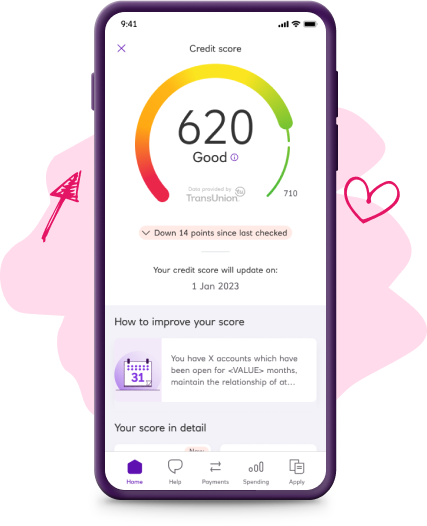
Free credit score
Check your credit score for free in the app, so you know where you stand. Data provided by TransUnion.
Join 11 million customers on our mobile app
Eligibility criteria and conditions apply. Volume of app customers correct as of May 2025.
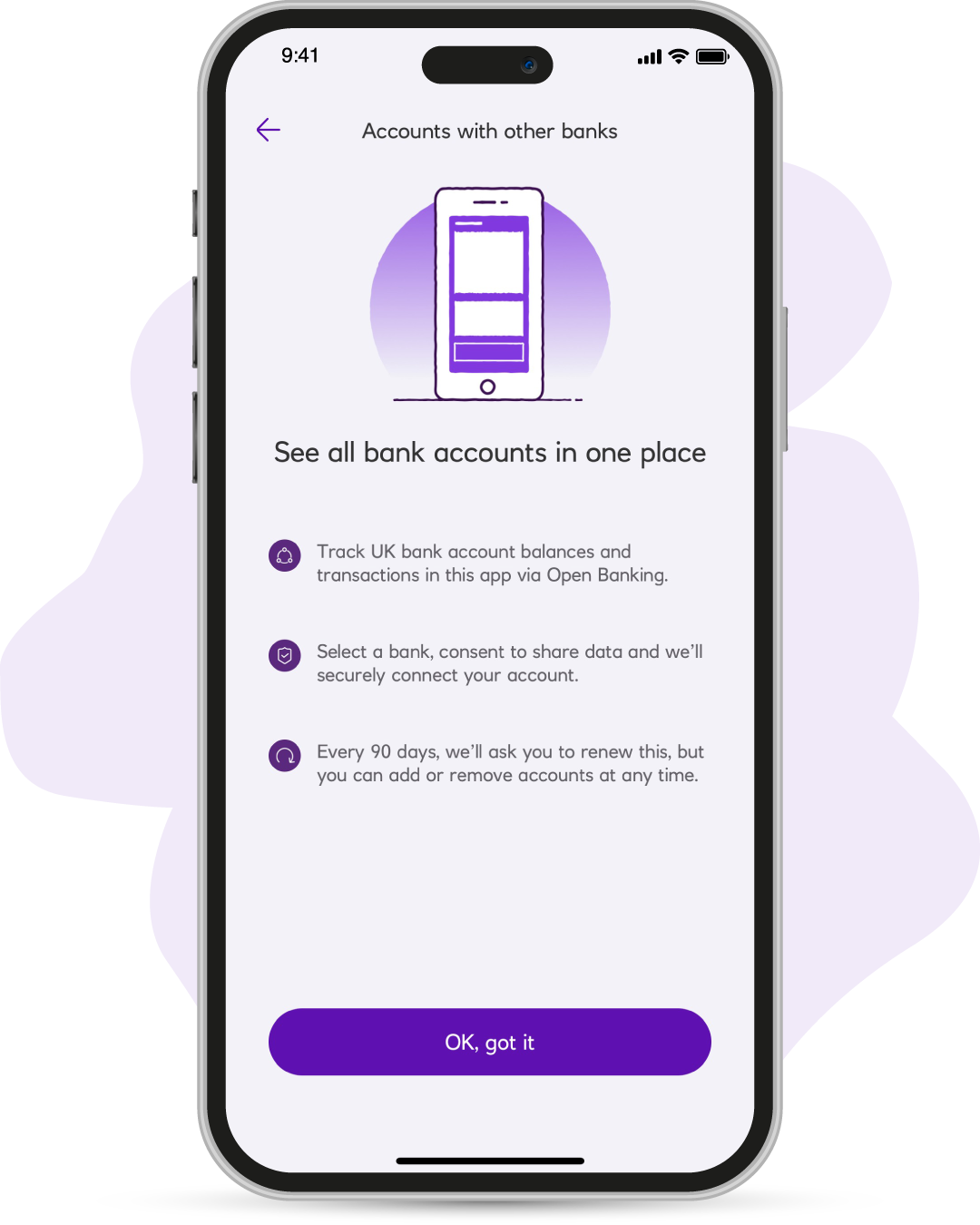
Add other accounts
Add your accounts from other banks, so that you can see all of your money together in one place.
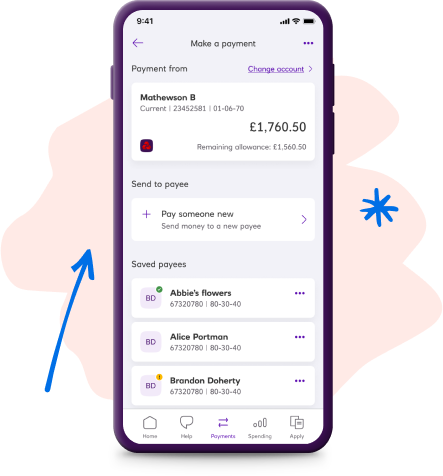
Favourite payees
Are there people you pay again and again? Put them in your favourite payees so you can send money faster.

Round Ups
Round up your spending to the nearest £, sending the change (or up to five times that) to your savings.
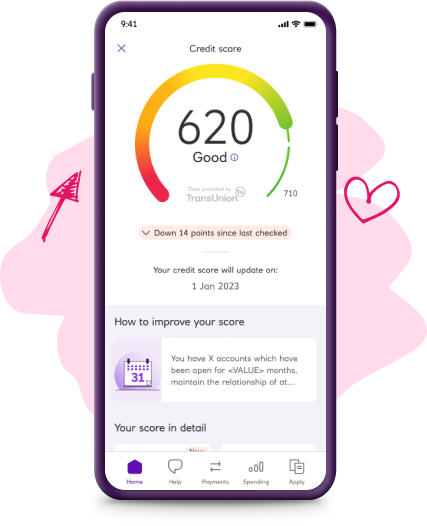
Free credit score
Check your credit score for free in the app, so you know where you stand. Data provided by TransUnion.

First things first. You can apply if you:
Are aged 18 or over and a UK resident
Now please take a look at the important legal info
Information Message
If you carry on applying, it means you're happy with what's in these documents, including the FSCS information sheet. And happy to view your statements in Online Banking - not posted. Please take some time to review, print and/or save the important information.

Thinking about a joint bank account?
You can add someone to your account at any time or open a fresh account and include them later. It's simple and flexible.
Our Select, Reward, Premier Select or Premier Reward accounts let you add a second account holder.