

Get ready for Bankline
Overlay

Step 1

Know what you need to get started
Here’s what you’ll need to log in to Bankline for the first time:
- Your activation code: You’ll have this already in the email we sent you.
- Your Customer ID and User ID: Log in details to enter every time you log in. Your account leader will give you these.
- Your smartcard and card reader: Your account leader may give you these, or they may be sent to your home or office address.
- Smartcard PIN: The code to activate your smartcard. We’ll post this to the address registered for you in Bankline.
For UK addresses, it takes 7 days for your smartcard and reader to arrive from the point your account leader set you up.
Check out our commonly asked log in questions:

1. Talk to an account leader
One of your account leaders will be reaching out to share your Customer ID and User ID. Why not take the chance to have a quick chat about Bankline?
They’ll know how your organisation uses Bankline and have plenty of advice to share.
Ask them about:
- What role you’ll have and what you’ll be doing in Bankline.
- The security controls that your organisation has in place in Bankline.
- Whether you’ll be needing the Bankline Mobile app.
- The names of any other account leaders (good to know for future reference).
2. Take a quick tour
To get a feel for how Bankline works, take a look at the dashboard below and explore the key areas of Bankline. Permissions are required to access some of these areas.
Choose an area to learn more:
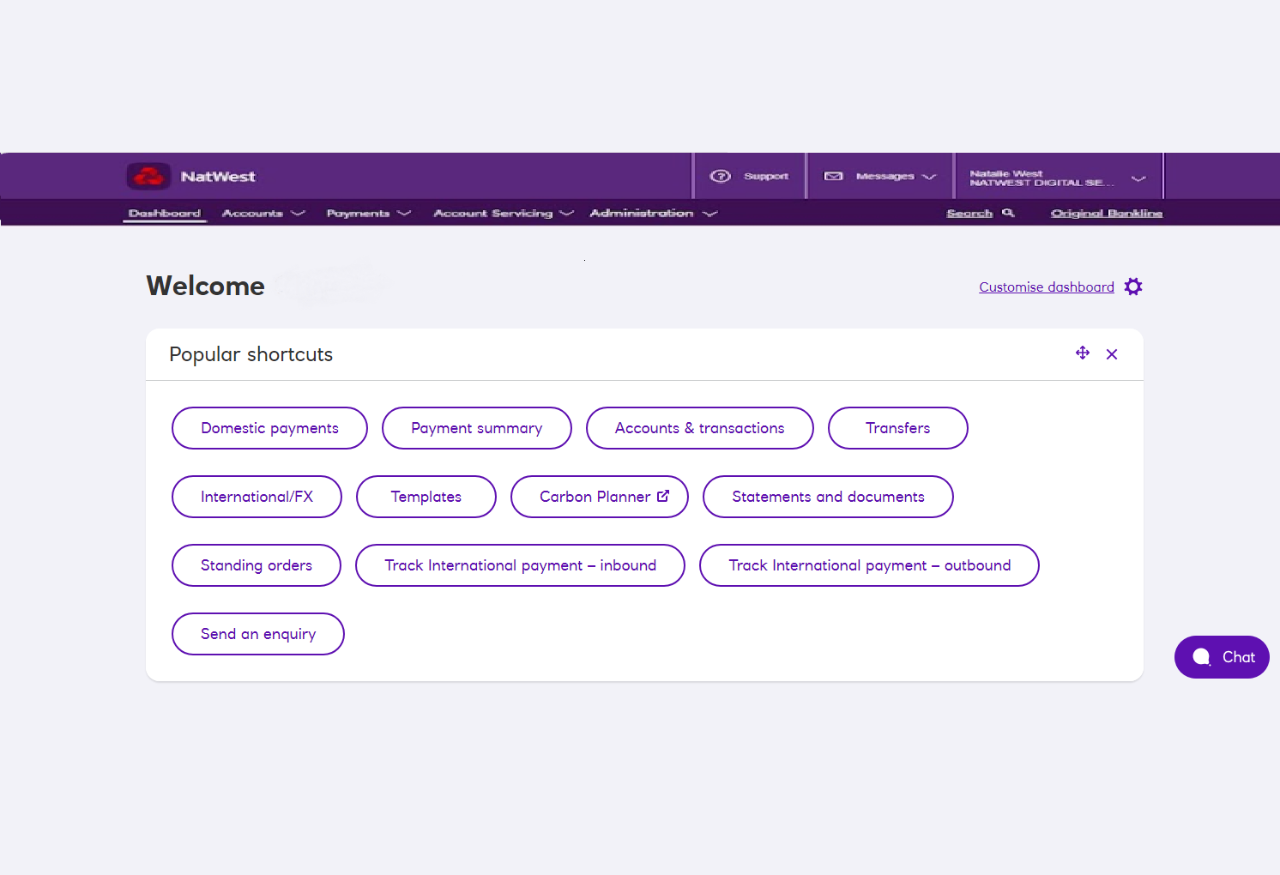
Dashboard
This is the page where you’ll land when you log in. It’s your gateway to all parts of Bankline. And you can make it your own:
Shuffle the order of panels, or remove them altogether.
We’ll let you know here when new features are available.
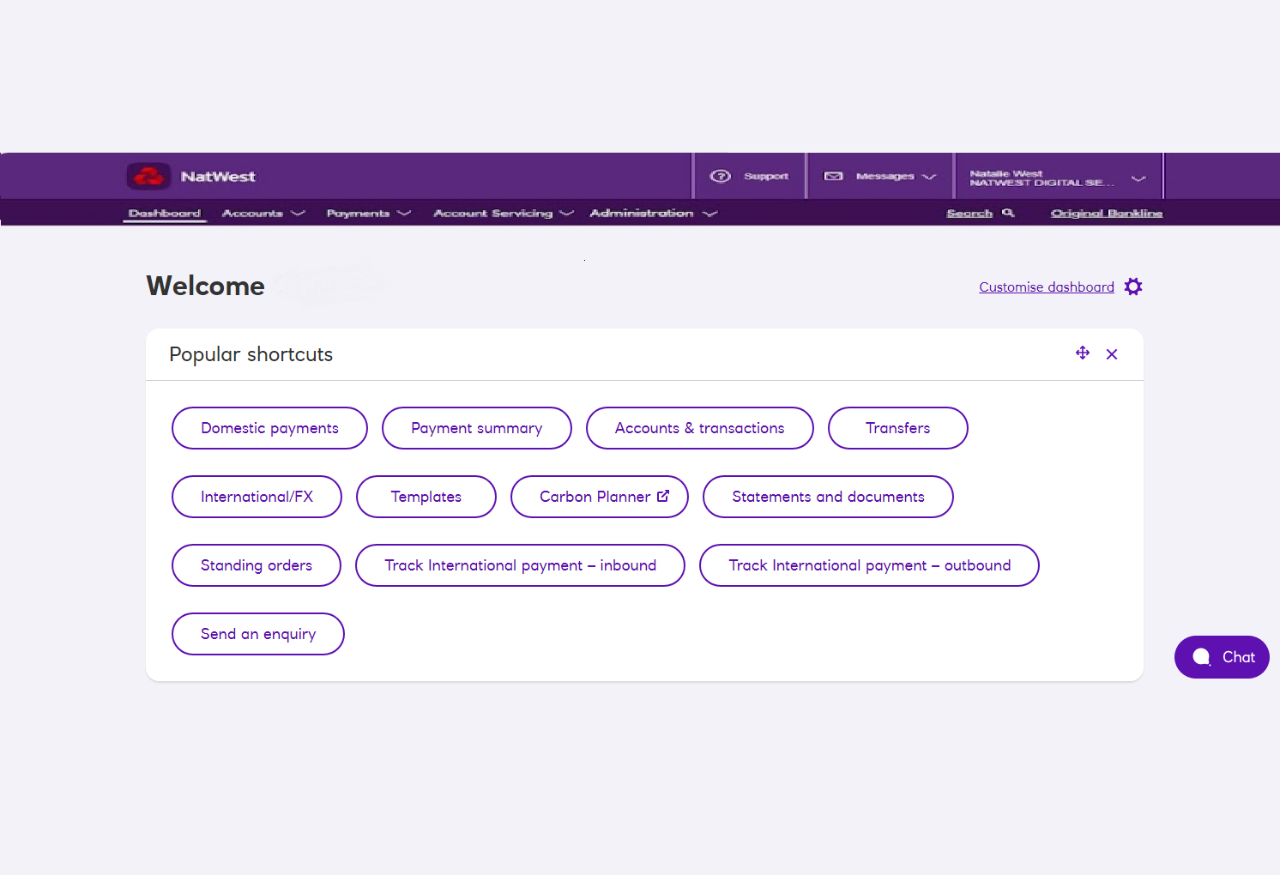
Dashboard
This is the page where you’ll land when you log in. It’s your gateway to all parts of Bankline. And you can make it your own:
Shuffle the order of panels, or remove them altogether.
We’ll let you know here when new features are available.
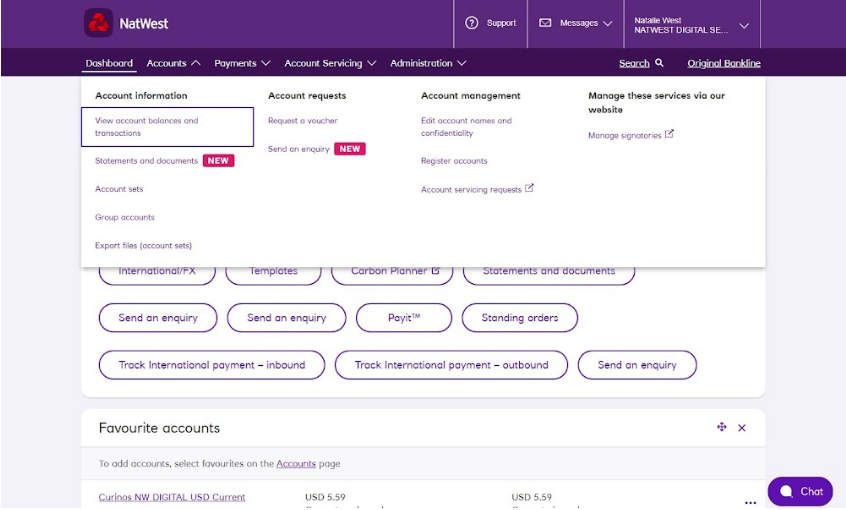
Accounts
This is where you go to view and manage your accounts in Bankline. You’ll be able to:
View account balances and transactions and download statements.
Add accounts.
Group your accounts into account sets – useful for reporting.
Manage your accounts by editing their names
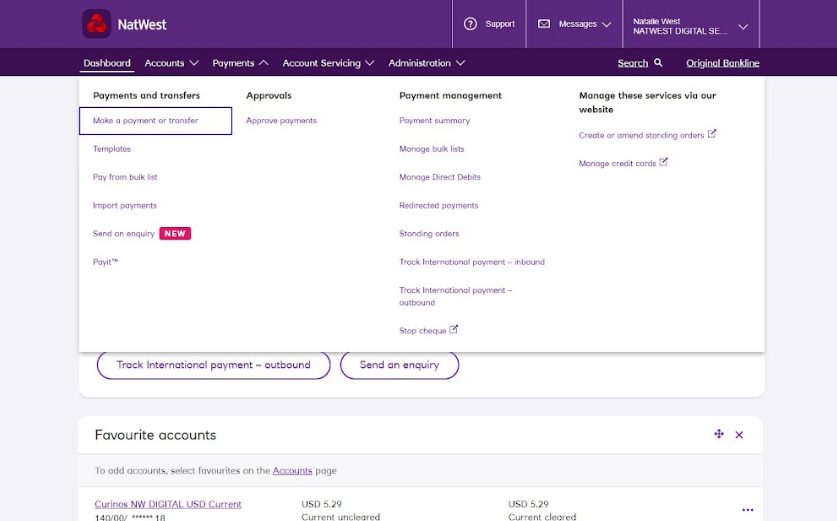
Payments
From here you can make, approve, manage and search payments.
If you have the right permissions, you can make domestic UK payments and international payments. You can also make transfers between your own accounts, including currency accounts if you have them.
You can make single payments, bulk payments, and pay your regular payees from saved templates. You can also import payment files to save you time. More about these options later.
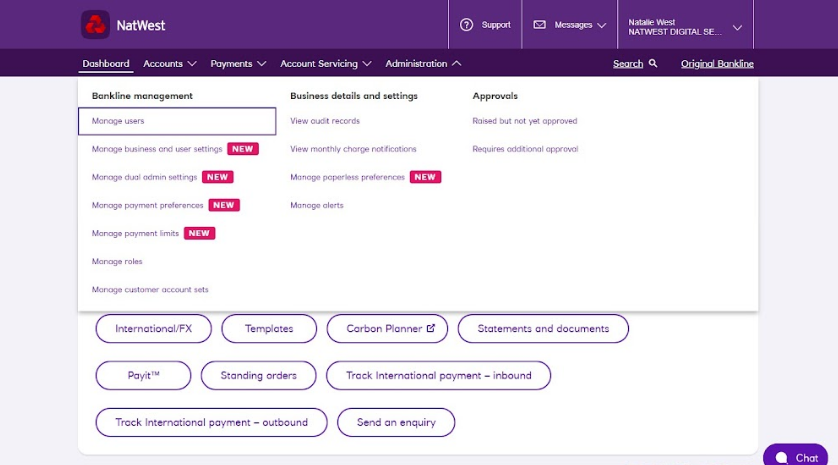
Administration
From this section account leaders can add and manage users and make changes to profile-level settings like payment limits and payment preferences.
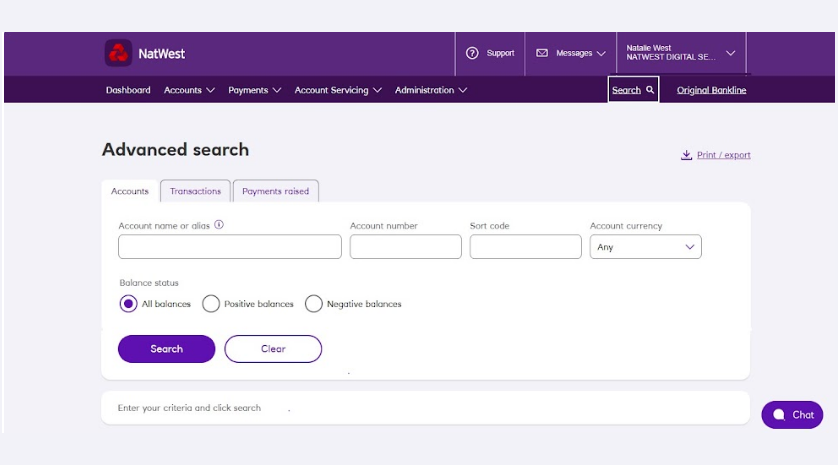
Search
If you want to search for any transactions in Bankline, look no further.
Search transaction across a maximum of 75 accounts, this includes search include completed transactions that go into or come out of your accounts.
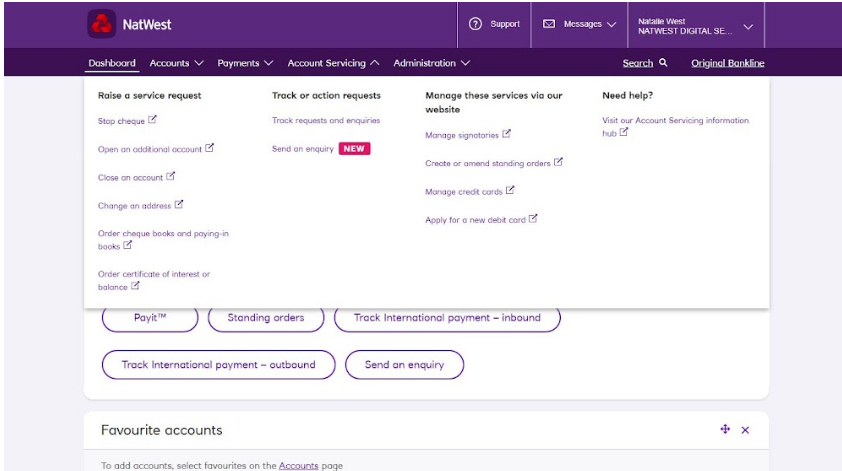
Account servicing
Account servicing lets you make everyday banking requests in Bankline without having to pick up the phone.
These requests include things like:
- Stopping cheques
- Ordering cheque books and paying in books.
- Opening and closing accounts.
- Changing statement and principle addresses with the bank
Any account servicing request raised across Bankline can be found and tracked here.
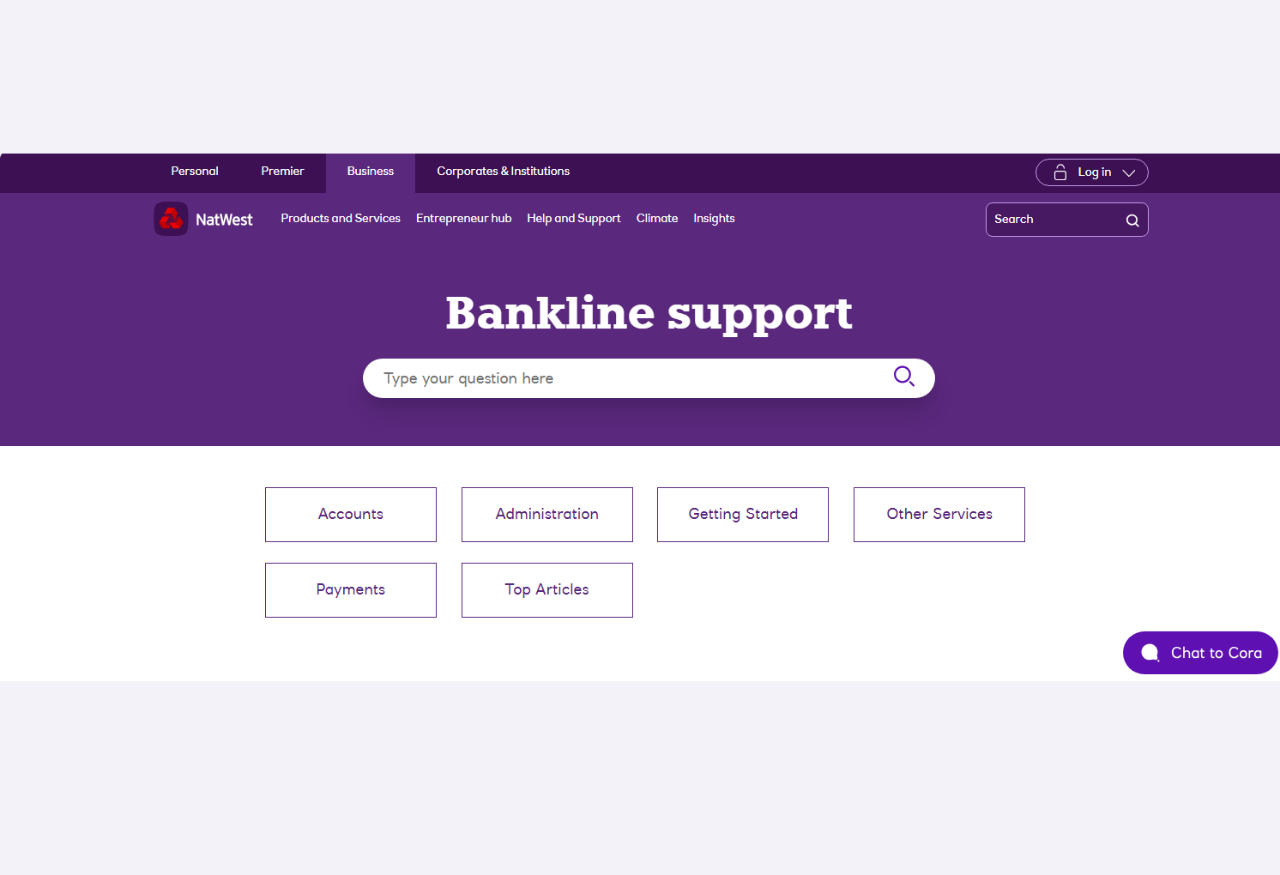
Support
Got a question, or not sure how to do something? Just click Support to search our ‘how-to’ FAQ articles.
Cora and webchat
Prefer a chat? Click ‘Chat now’ and Cora, your digital assistant, will help with your query and connect you to a webchat adviser if needed.
Cora is online 24/7 and our advisers are available 9 to 5, Monday to Friday, excluding public holidays.
To get through to an adviser at any point, just type ‘speak to a person’.

3. Sign up for a webinar
The best way to get to know Bankline is to join one of our free live webinars with a Bankline specialist.
We offer three webinars specifically aimed at helping you gain a deeper understanding of Bankline for Communities:
- 'Bankline for Communities’ – an Introduction, Part 1
- ‘Bankline for Communities’ – an Introduction, Part 2
- A deeper look into Bankline for Communities (suitable for account leaders and payment controllers
We recommend booking on a session that's scheduled for the first week you have access to Bankline.
Opens in a new window