

You can use biometric approval instead of your card reader in Online Banking. Tuck your reader away somewhere safe in case you need it in future.
What's on this page
Business banking is available to eligible customers who are over 18. Specific account and service eligibility criteria apply. Online Banking & Bankline are available to NatWest business account customers. Mobile App & Bankline Mobile are available on selected iOS and Android devices with a UK or international mobile number in selected countries. Fees may apply.
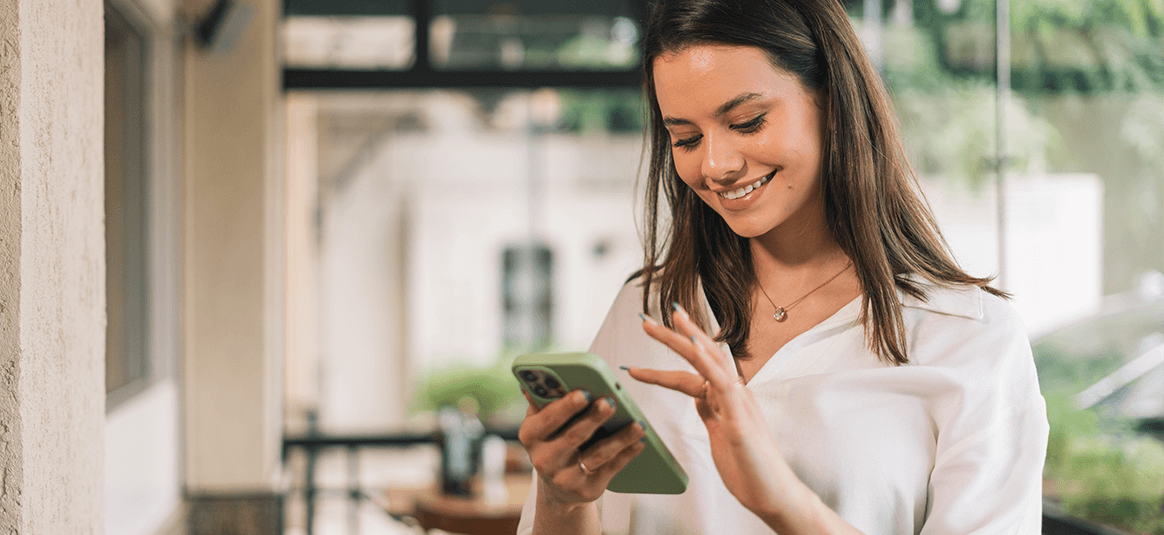
You are your strongest password. Keep your accounts safe using your face or voice. Biometric approval lets you authorise your business banking actions using the mobile app instead of a card reader. It uses your front camera and microphone to recognise the things that make you unique, so we know it's you. This is an enhanced authentication method like the Card Reader, but based on who you are.
You can use it when you're updating your details, making a payment over £750 in the app, and more. Check out the highlights below.
For face biometrics, you take a photo of yourself. We encrypt this and store it securely in our database. When you use biometric approval in the app, we’ll compare your face to your photo.
For voice, you record your voice by repeating a phrase and this is stored as a sample.
You can use biometric approval instead of your card reader in Online Banking. Tuck your reader away somewhere safe in case you need it in future.
Edit payee names or references, and delete payees you don't need any more.
You can make a payment through Open Banking to new payees.
Make and approve payments from £750 to £50k to new and existing payees. And set a daily payment limit within the mobile app. (i) The daily payment limit you set needs to be within the daily limit for Online Banking. Limits can vary depending on what kind of accounts you have (eg business or personal) and what kind of payment you’re trying to make.
Use biometric approval to update your important details, like your business address, statement address, and personal information.
You can set up and amend standing orders using your biometrics as that extra layer of protection.
Biometric approval is available to eligible mobile app customers aged 16+.
Got the app?
To register your biometric approval, you just need the app on a mobile with a forward-facing camera and a working microphone.
If you don’t have notifications on, we’ll ask you to turn them on. This will help when you need to approve something.
Watch how biometric approval works when you’re making a payment.
There's no time like the present. Especially when it comes to the security of your banking. To register for the mobile app, all you need to do is download it, open it up, and follow the instructions on screen to register.