


This account is available to 11-17 year olds who are UK residents. 11-15s must apply with a parent or guardian who has a NatWest current account.
Overlay

Features parents and guardians will love
- No monthly account fees.
- Earn 2.70% AER, 2.67% Gross p.a. (variable) interest on balances. Interest is calculated daily and paid monthly.
- No overdraft, so no debt worry.
Information Message

Features teens will love
- Pay your mates via the mobile app (ages 16+).
- Freeze and unfreeze your debit card in the app.
- Pay from your phone with Apple Pay and Google Pay™ (ages 13+).
- Earn interest when you add cash to your account.
Information Message
Make banking simple with our mobile app
Information Message
App available to customers aged 11+ with a compatible iOS and Android devices and a UK or international mobile number in specific countries.
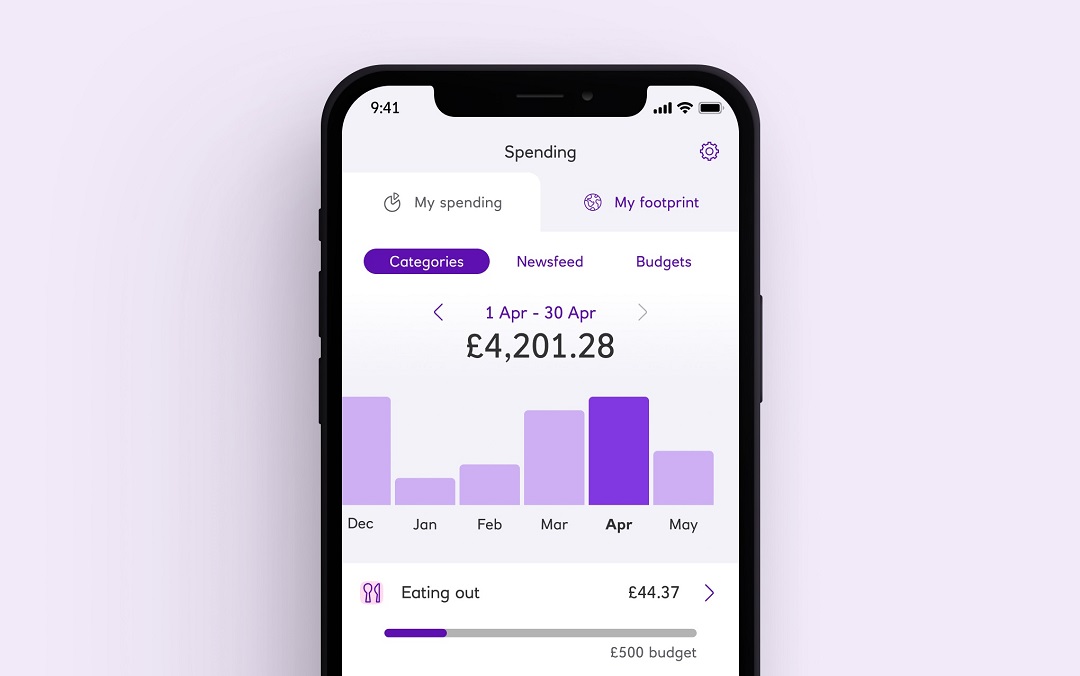
View your bank account on the go
View your accounts, your balance and check recent transactions (things you’ve spent money on) and transfer money between your own accounts.
Information Message
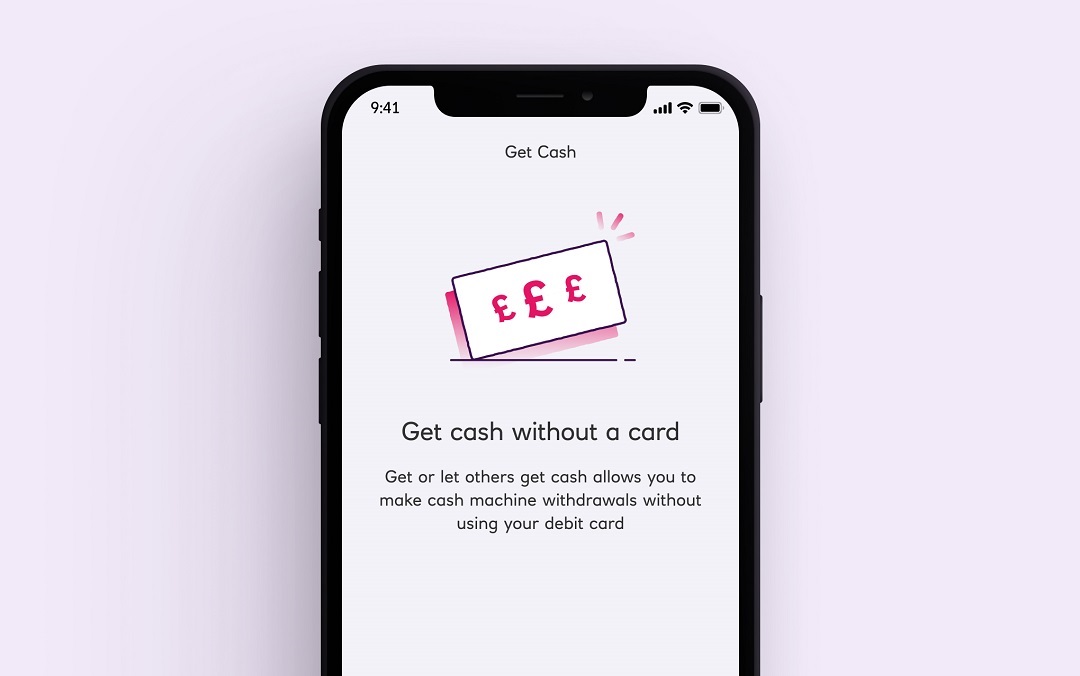
Get cash without your debit card
Withdraw up to £130 every 24 hours from our branded ATMs, as long as it's within your daily withdrawal limit. You must have at least £10 available in your account and your debit card must be active.
Information Message
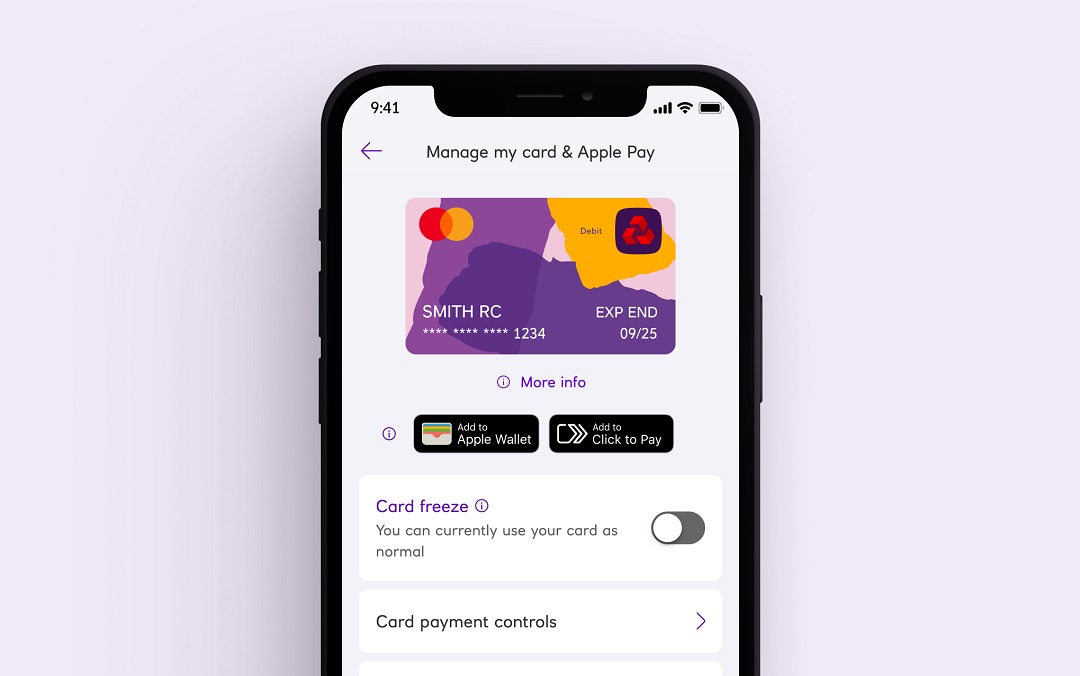
Freeze and unfreeze your debit card
If you've misplaced your debit card, you can lock it until you find it. Card been lost, stolen, damaged? The quickest way to report this is with our app.
Information Message
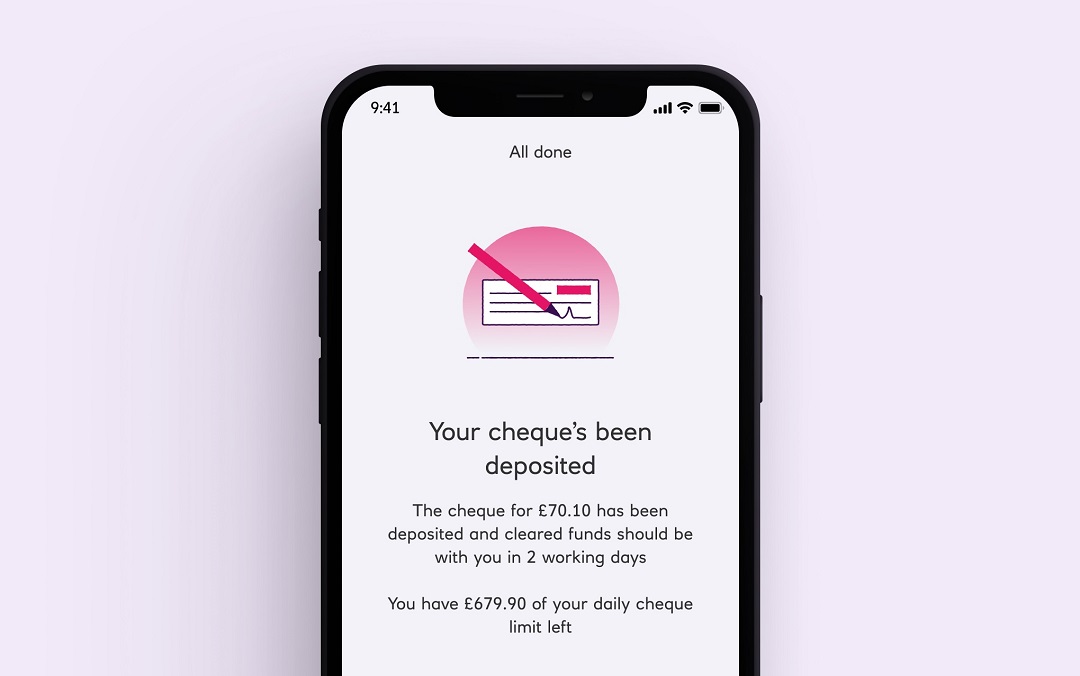
Pay in cheques securely
Use your camera to deposit cheques 24/7 using our mobile app. This feature allows you to pay in up to £750 per day. It's simple, secure and saves you a trip to the branch. Limits apply.
Information Message
Your account
How to open a bank account for a child or teen
A parent or guardian can only open a child or teen account if you already bank with us. If you're a teen aged 16-17 you can open the account yourself. Below are guides for parent/guardians of existing customers, new parent/guardian customers and for teens to open an account.
Information Message
To apply for a current account, parents or guardians must be 18+ and UK resident.
Parent/guardians: existing NatWest customer
- You'll need to complete our online application or apply in branch. (To open in branch you must bring your own device e.g. a mobile or tablet and our staff can assist you opening the account yourself).
- You’ll need to provide a proof of ID e.g passport, as well as proof of your current address for yourself and the child or teen you're opening the account for.
Information Message
Parent/guardians: new NatWest customer
- In order to open this account for a child, as a parent or guardian you must have a bank account with us. If you don't already, you can review our accounts and apply here.
- Once your NatWest account is open, we'll need you to complete an online application with both sets of details, as well as to provide yours and your child's proof of ID.
Looking for a pre-paid debit card option instead? Take a look at our NatWest Rooster Money card. Kids aged 6-17. Eligibility criteria and T&Cs apply. Fees may apply depending on card selection.
Information Message
Teen aged 16-17: how to open the account yourself
- If you're 16-17, you can apply for your own bank account. However if you aren't able to provide proof of identity, you'll need to apply with a parent or guardian who has a NatWest current account.
- We'll need your ID (and your parent's ID if you don't have one) and for you to complete an online application (with both sets of details if you don't have your own proof of ID).
If you're 11-15, your parent or guardian must have or open a bank account with us to open an account for you.
Information Message
Open a child's bank account online - FAQs

Parents: prefer a pocket money app managed by you?
NatWest Rooster Money comes with a prepaid debit card option from age 6.
- Monitor their spending with limits and alerts.
- Create custom pots for saving money.
- Free Rooster card subscription: for NatWest customers with kids aged 6-17.
T&Cs apply (PDF, 100KB). Eligibility criteria apply. Card offer includes up to three cards, other fees may apply. Fees apply for non NatWest personal customers.
Information Message
Other ways we could help
NatWest Thrive
Let’s make your kids’ dreams come true. NatWest Thrive with Marcus Rashford is a movement to help young people develop the self-belief, confidence and skills to achieve what they want.

Rooster Run
Try out our digital game, Rooster Run and discover the world of NatWest Rooster Money.
Invest for the future
If you’re looking to invest money for your kid’s future, a junior ISA could be a good option. Money is invested which means it could grow more than in a normal bank account. The value of investments can go down as well as up, your capital is at risk. Eligibility criteria, fees and charges apply.