

On this page
Overlay
Scam watch: Fake bank text alerts are on the rise
Be aware of text messages, supposedly being sent by NatWest telling you a payment is on hold. We’ll never ask you to call a number in a text message to confirm or cancel payments. Learn more about how to avoid this scam.

Fake text message example
This fake text message example shows how criminals use different tactics to convince people to share their personal information or banking details. These tactics are used in messaging apps, not just text messages. Learn about the three tactics below.

Scammers may pose as HMRC to persuade you to send them money or steal your details.

Fraudsters send you a message pretending to be your friend or family member.

Scammers are skilled in posing as trusted organisations like your phone or internet provider.

Scam delivery texts impersonate well-known delivery brands to get your personal information such as your name and address. They may also try to steal banking details such as card numbers or charge you money.
Did you find this article helpful?
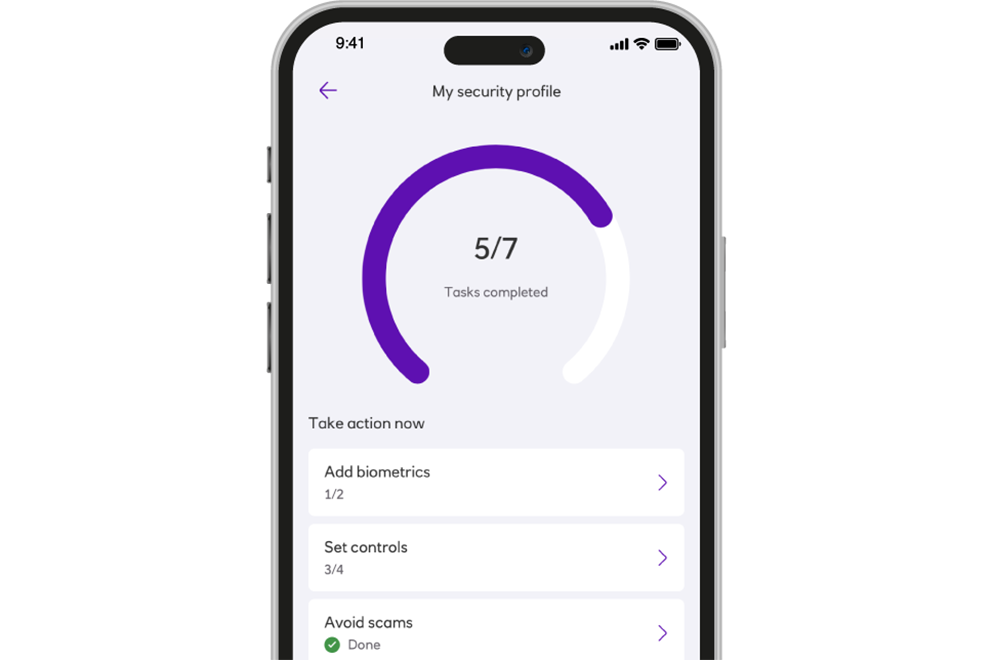
See why My Security Profile has over 11 million visits
With so many visits to My Security Profile, it's clear that people like you are putting their security first.
Personalised steps to protect yourself are just a few taps away.
Ready to experience it for yourself?
Email scams
Scams that come to your inbox designed to look real.
Information Message
Holiday scams
Fraudsters use fake holiday adverts to trick you into booking a holiday with them that doesn't exist.
Information Message
Impersonation scams
These type of scams involve criminals pretending to be a trusted organisation such as a bank, the police, a government department or a service provider.
Information Message
Social media scams
Scammers can use social media to steal your details, promote fake products and services or contact you to trick you into sending them money.
Information Message